POS
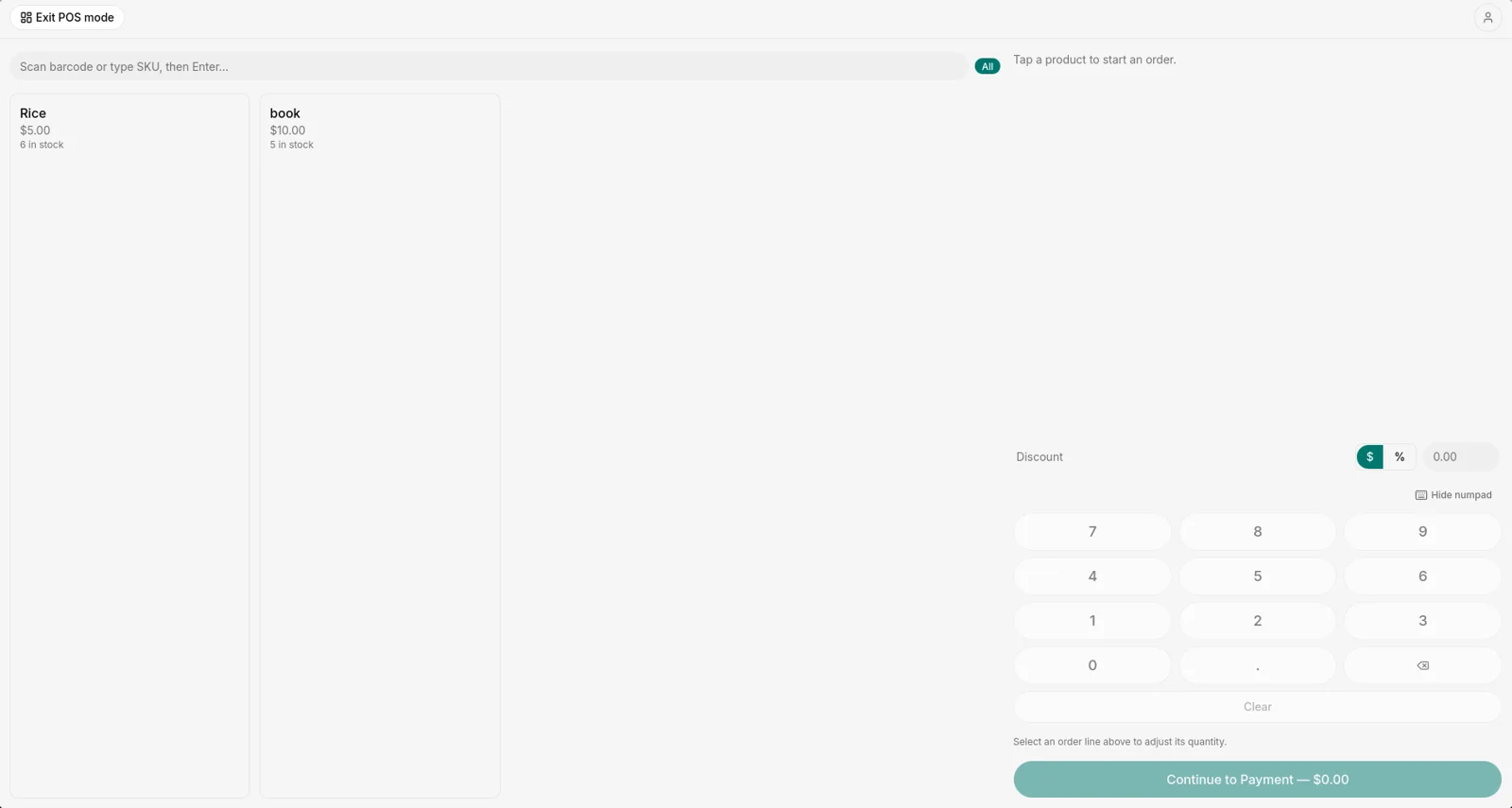
Fast sales at the counter with barcode scanning, discounts and printed receipts.
7-day free trial · For Windows
Baaral is point-of-sale and simple accounting for Windows. It works without internet.
Your free trial starts the first time you open the app.
Baaral is for Windows computers. Open this page on your computer to download it.
Fast sales at the counter with barcode scanning, discounts and printed receipts.
Invoices, customer debts, VAT, profit and balance sheet. No accountant needed to read them.
Sell and keep your books without internet. Connect only to activate and to renew your license.
One app for the counter and the books.
Tap or scan to sell. Print receipts, give discounts, and take cash or mobile money.
Track stock in your store and warehouse, with movement history and Excel import and export.
Send invoices, record payments and credit notes, and see exactly who owes you.
Profit and loss, balance sheet and cash flow, built from your daily work.
Connect extra computers on the same network to sell from several counters.
Match payment SMS messages to invoices in one tap.
Big buttons, barcode scanning and a numpad. Fast on a touch screen or with a keyboard.
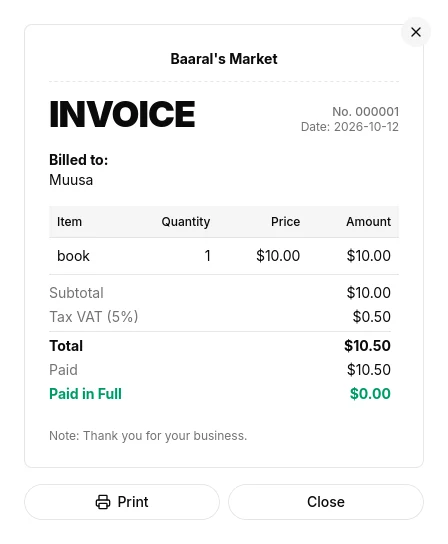
Professional invoices and receipts with tax shown properly. Print them or keep them.
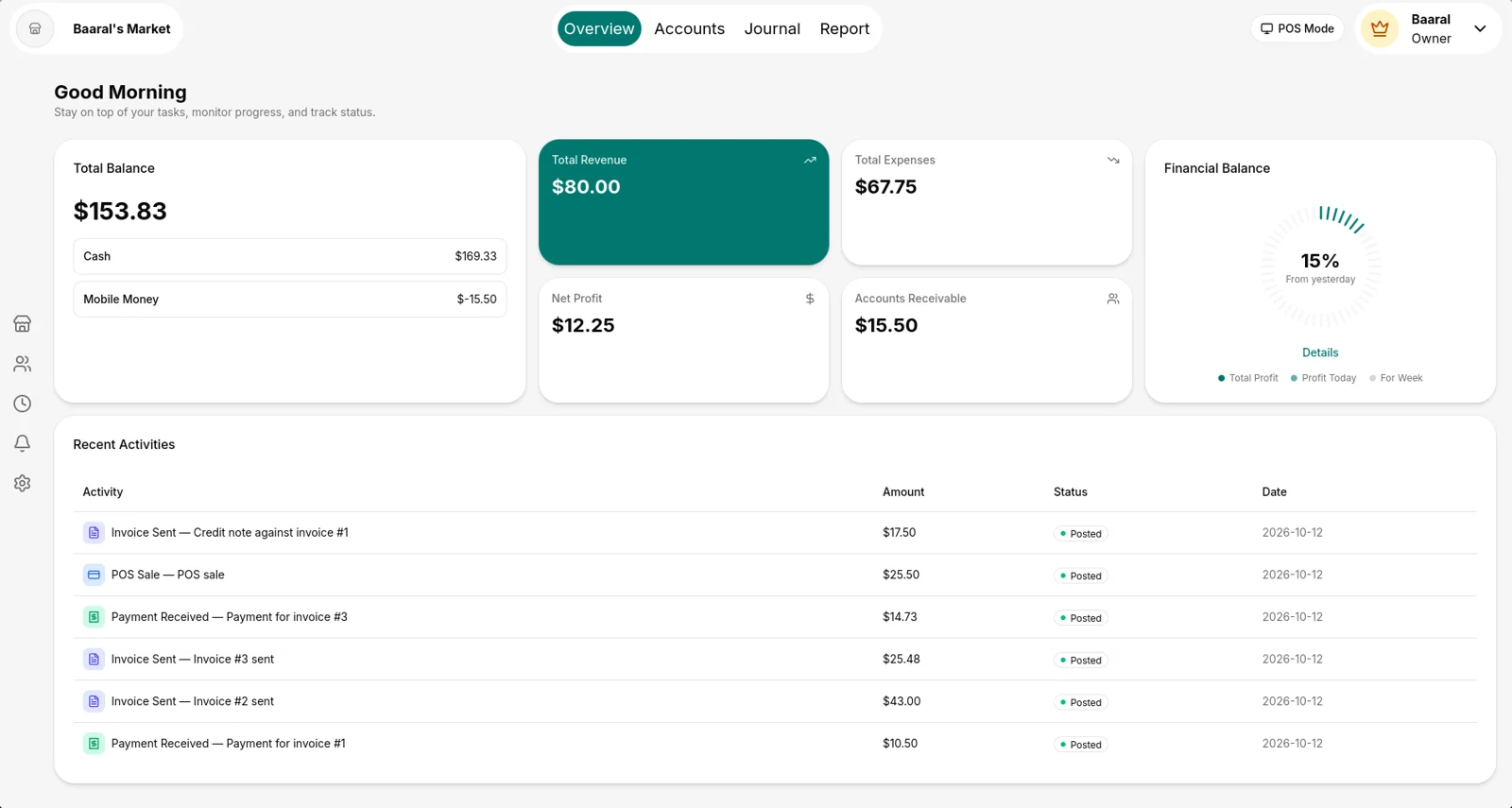
Cash, mobile money, revenue, expenses and who owes you, at a glance.
Install Baaral and your trial starts. When you are ready to continue, talk to us on WhatsApp and we will find the right plan for your business.
For Windows 10 and 11.
Press “Download for Windows” and wait for the file to finish.
Double-click the file you downloaded.
Windows shows “Windows protected your PC” for new apps it has not seen often yet. Click “More info”, then “Run anyway”.
Enter your name and phone number to start your free trial. You need internet for this first step only.
Only to activate Baaral the first time and to renew your license. Selling, invoicing and reports work without internet.
On your own computer. Baaral also includes backup tools so you can keep a safe copy.
Yes. Extra computers on the same network can work as additional tills. Ask us how many your plan includes.
Contact us on WhatsApp to continue. Your data stays on your computer.
Windows shows this warning for newer apps that are not yet widely downloaded. Click “More info”, then “Run anyway”.
US dollars and Somali shillings.